How to operate the VRML city space
Here, we explain to you how to operate the VRML city space using CosmoPlayer.
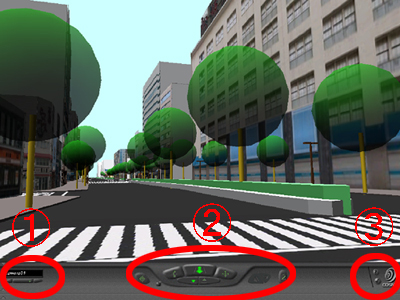
| ①How to select the viewpoint | ||
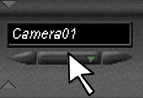 Click the button, which is located in the lower left corner of the screen.
|

|
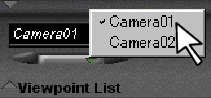 Click the name of the camera, which you want to select.
|
| ②How to move in the VRML city space | ||
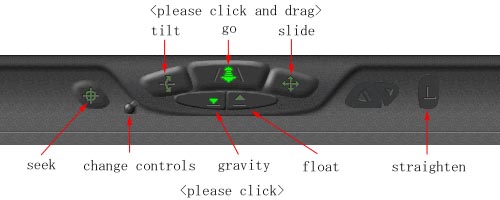 1: For buttons tilt, go, and slide, click the button, then click and drag in the scene. 2: For button seek, ckick the button, then click the point in the scene, which you seek. 3: For buttons gravity, float, and straighten, instantly operate after click. 4: The button "change controls" changes the functions of tilt, go, and slide buttons to other functions.
|
||
| ③How to change the speed | ||
 Click the button, which is located in the lower right corner of the screen.
|
|
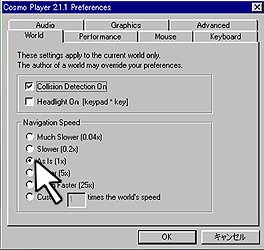 Click the speed, which you want to select. |